Scan the box.The count is done.
Point the camera at the code on the carton. The movement is on the record before you put the phone down.
Stock rarely goes missing. The record does — somewhere between the loading bay and the office.
Every department reads the same record.
Every order, every item, every step — connected. Not a spreadsheet each, a group chat, and a folder nobody else can open.
Each role gets the screen it needs, and only that screen — a driver never sees your margins, a director never has to ask for a count.
Three taps, and the floor and the office agree.
Point the camera
QR or barcode. Manual entry for labels a forklift got to first.
Check the numbers
Item, quantity and location arrive pre-filled.
Everyone sees it
Written once. Every device in the org updates at once.
One order. Eight moves. Nothing retyped.
The same thread runs from the customer's order to the number on the month-end report. Each move hands the next one its paperwork.
-
01
Order received
Raised on a phone at the counter or typed at a desk — customer, lines, dates.
-
02
Stock checked
Answered from live counts, not from what the sheet said on Friday.
-
03
Procurement raised
Whatever is short becomes a purchase order against a supplier.
-
04
Approved
The role that is allowed to sign it off is the role that is asked.
-
05
Made or picked
Production jobs staged through their steps; stock picked and checked.
-
06
Out for delivery
Dispatched against a delivery order and tracked to the door.
-
07
Confirmed
Arrival is recorded on the same order everyone has been watching.
-
08
Invoiced and reported
The invoice and the month's numbers come off the record, not off a re-count.
Turn on the parts you actually run.
Two are always on. The rest is a switch, per organisation.
Seven short videos. No training day.
Each one is a real job on a real phone, start to finish, with captions — so the person on the dock can learn the app the same afternoon they install it.
This is the whole app.
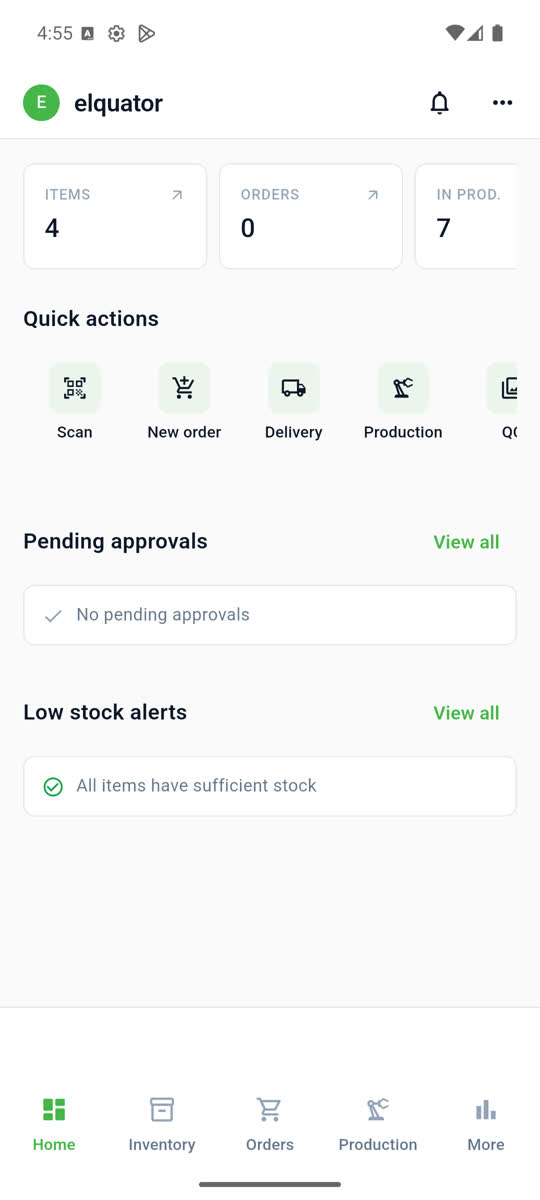
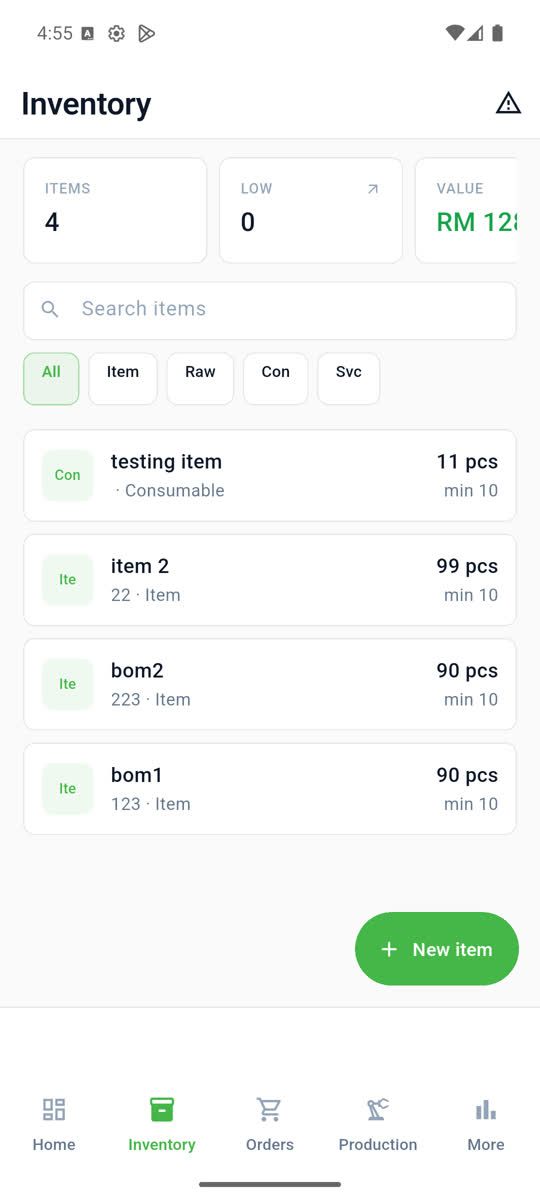
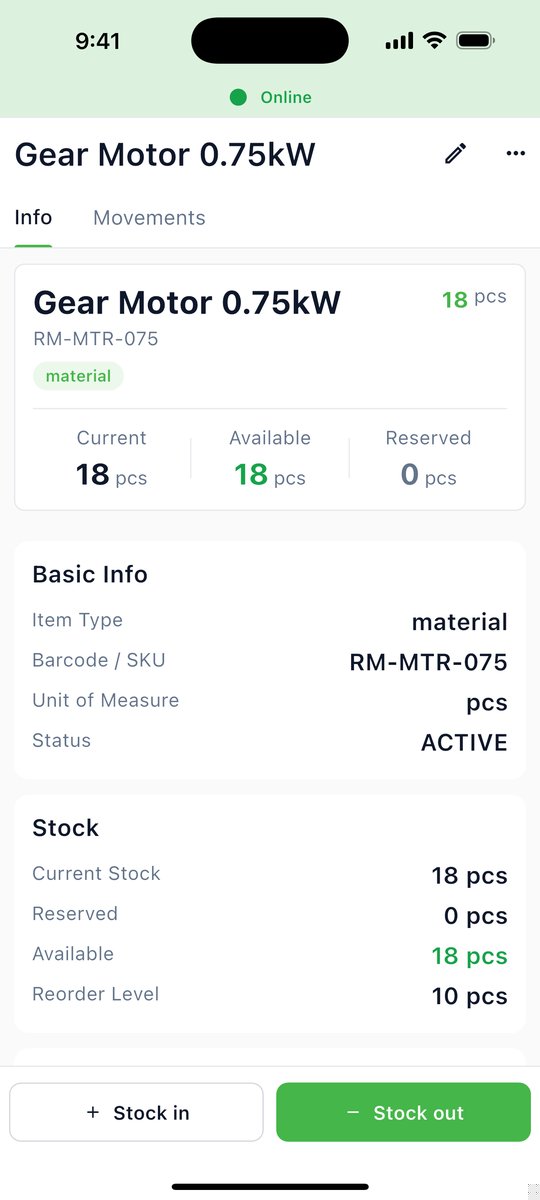
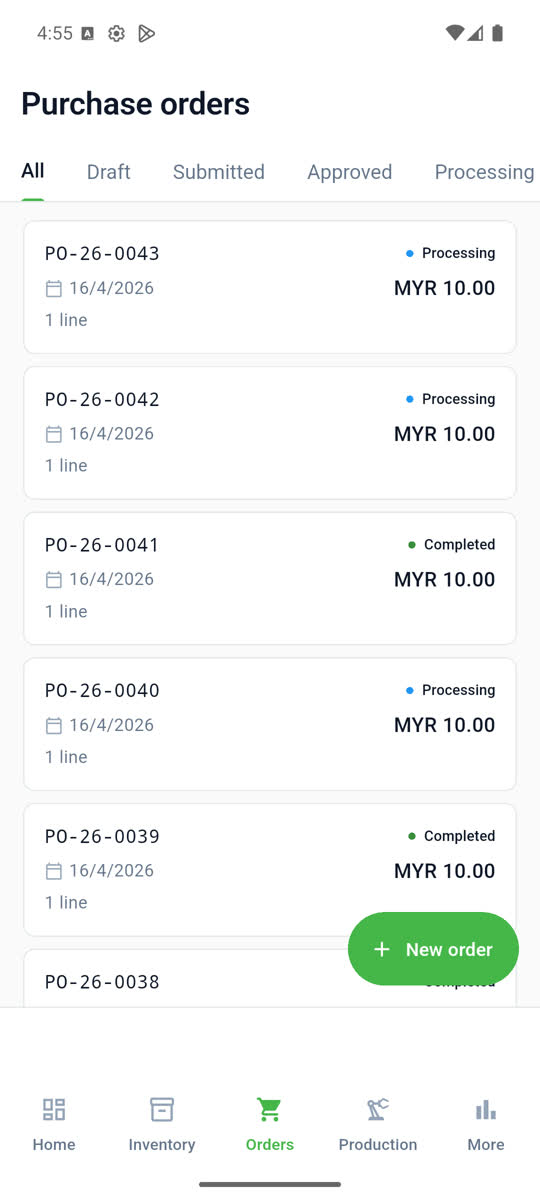
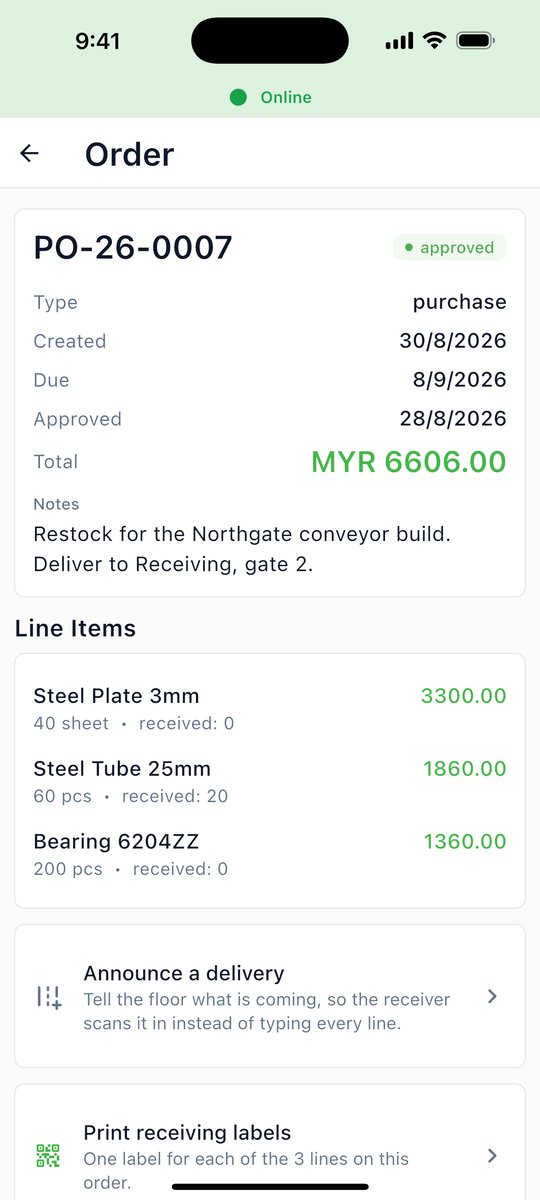
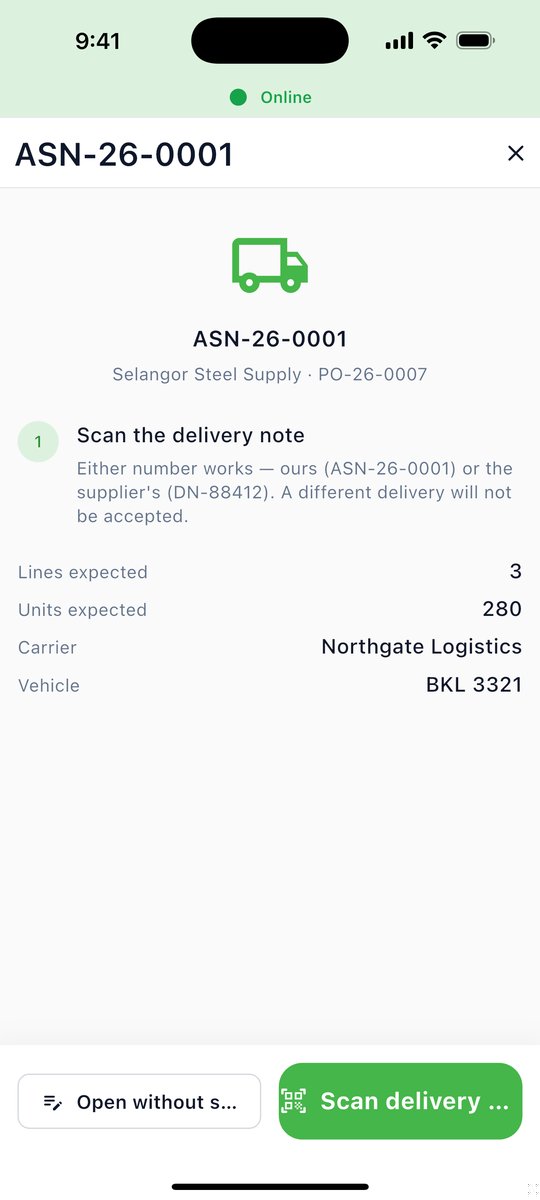
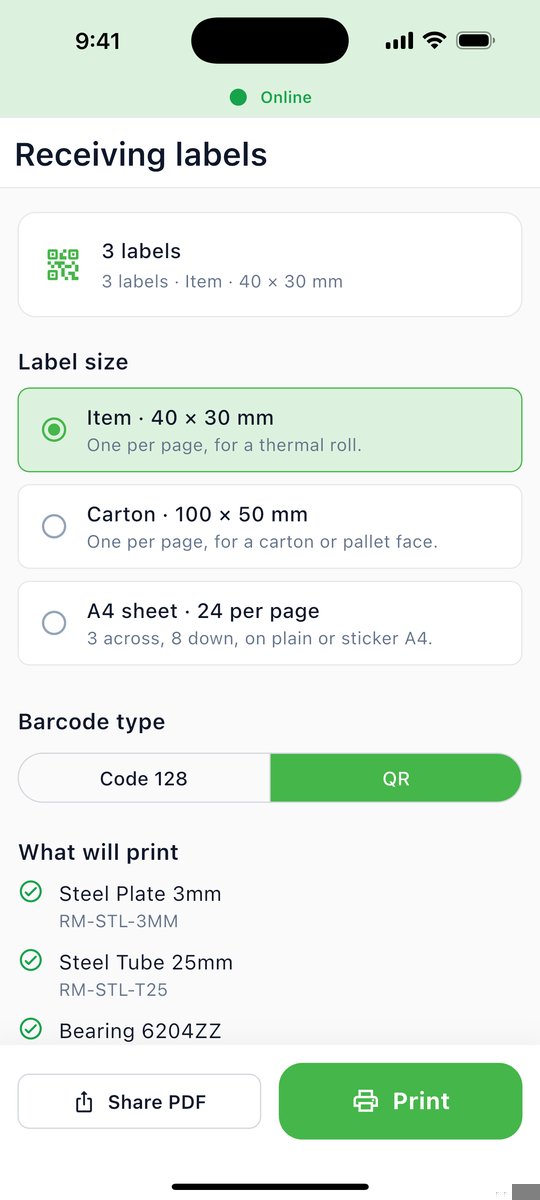
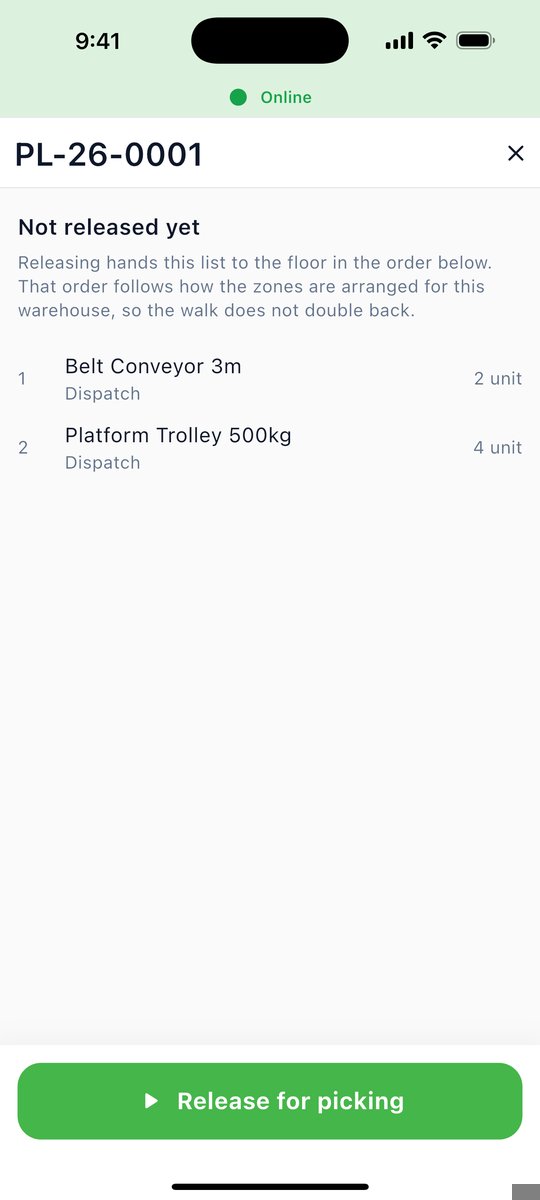
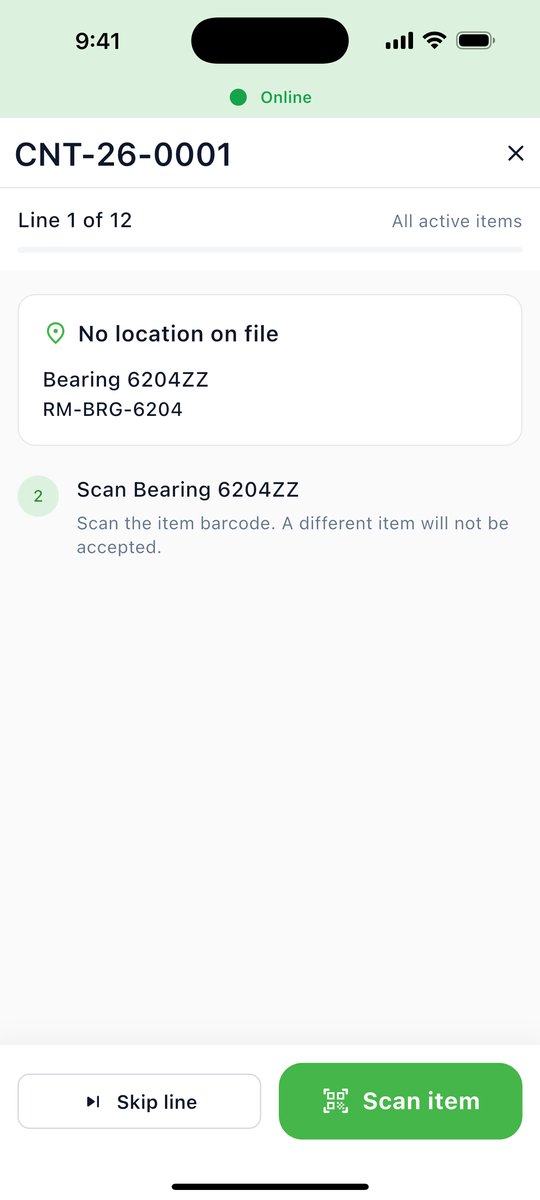
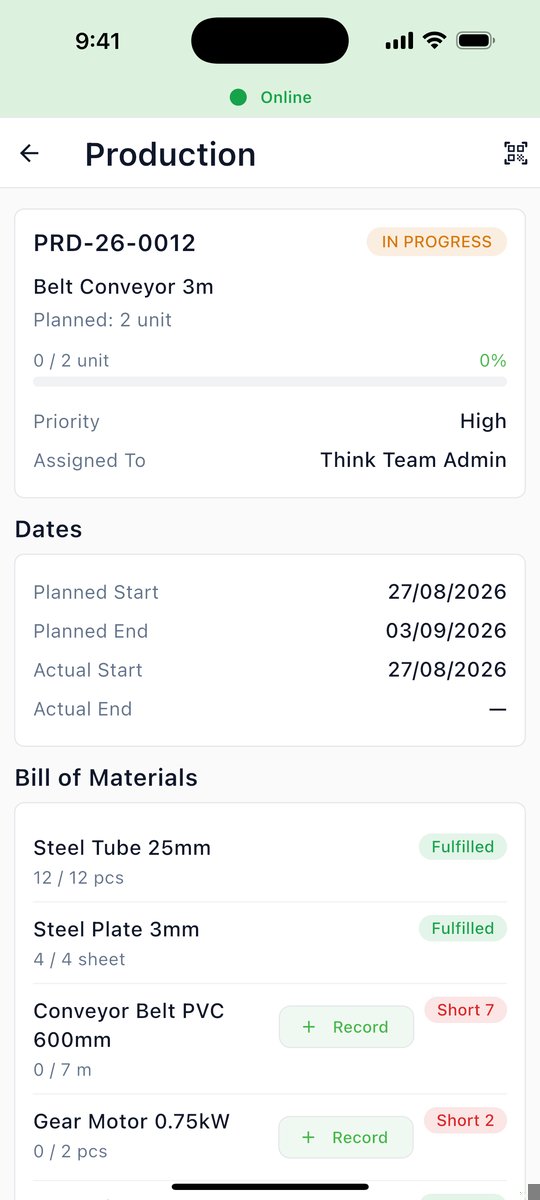
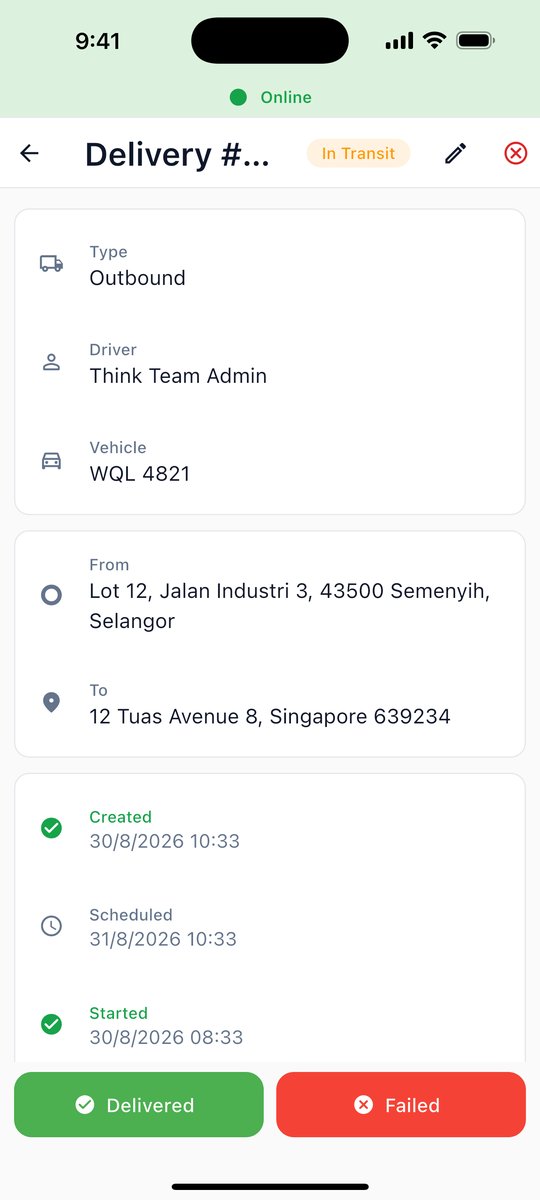
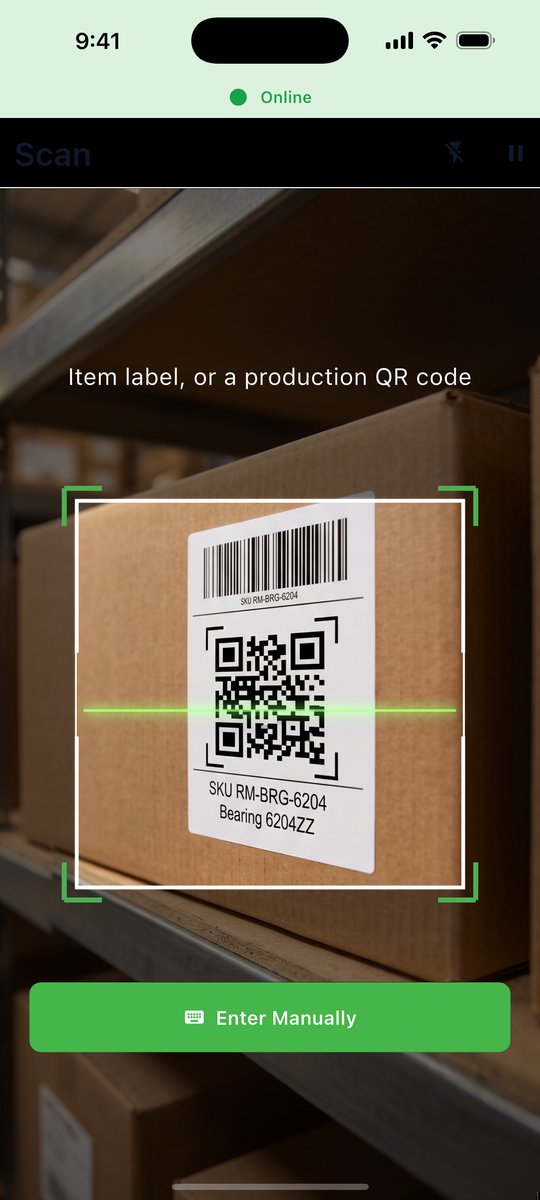
Less chasing. Fewer arguments about the numbers.
What is on hand, on order and on the road — on one screen, right now.
The number you decide on is the number that is actually on the floor.
Nobody waits on somebody else's spreadsheet to be sent over.
Entered once, where it happened, by the person who did it.
Less of the day spent looking for a document that proves what happened.
Anywhere stock moves and somebody has to answer for it.
Ready to simplify your operations?
Set up your company's workspace in a minute, then sign in on your phone.
Your org only ever sees itself.
Row-level security in Postgres, not a filter in the app.
organisation_id on every row
Six-character invite codes
Role-based screens
Industry presets at setup
Realtime + notification centre
Online-first · says so when offline
One price. Per person.
Every module included, no limit on members. You pay for the people in your workspace, and the bill follows your team automatically.
Try it yourself for 7 days first — your team joins once you subscribe.
Already a customer? Sign in to your account
From sign-up to first scan, in three steps.
-
Create your workspace
Company name, your name, your work email. Confirm the email and the workspace is yours — you are its administrator.
Create workspace -
Download and sign in
Same email, same password. Nothing to set up on the phone — the app opens straight onto your workspace.
-
Bring your team in
Subscribe, then add each person from your account page. You set their login; they sign straight in on the app and get the screens their role needs.
Each person who joins adds RM5 a month · billed automatically
 Sign in